Goli desk bot
A printable desk robot of Goli, the Goliash mascot. His face is a round AMOLED that rings a desk bell when Goliash sends a notification.
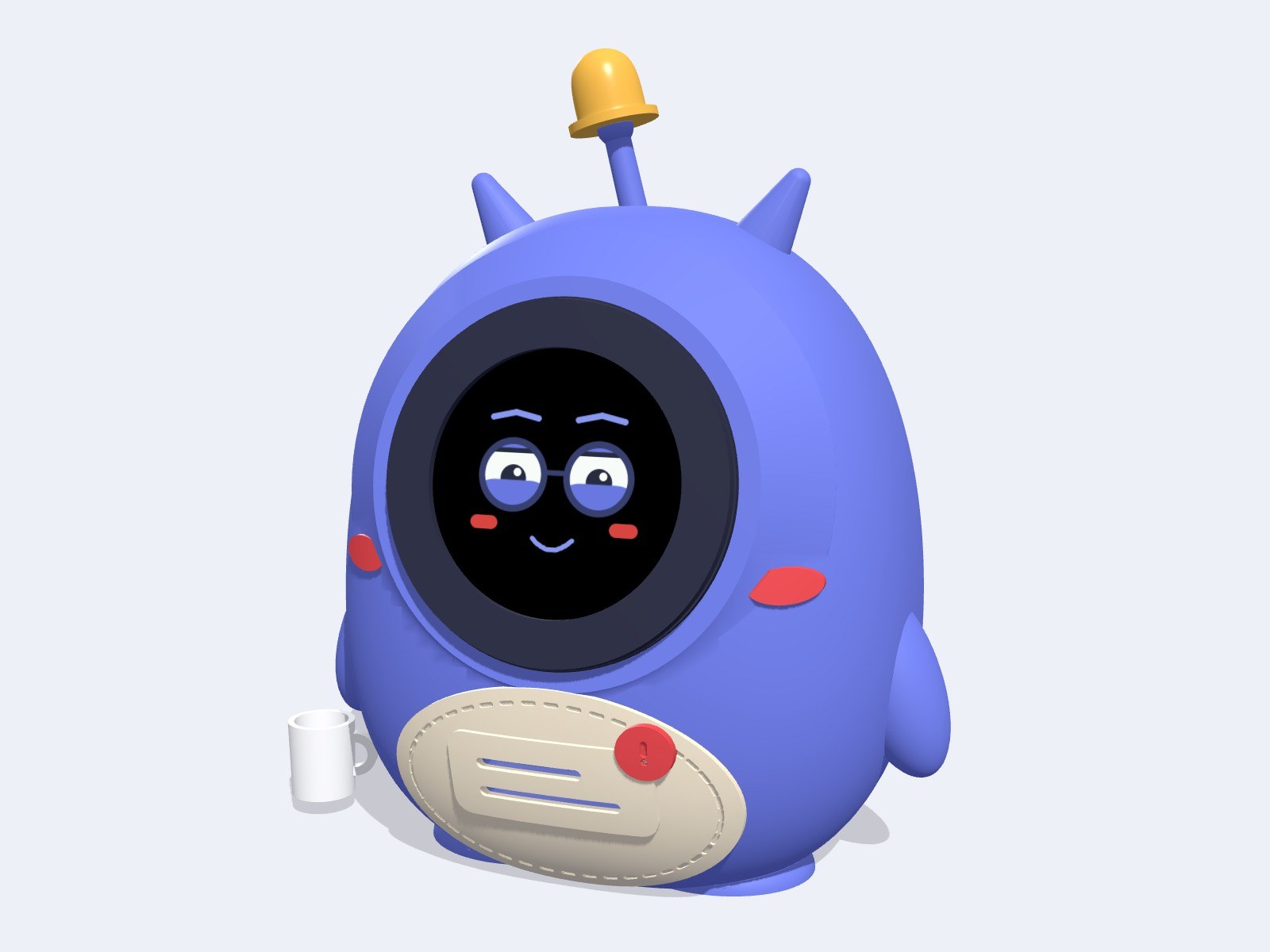
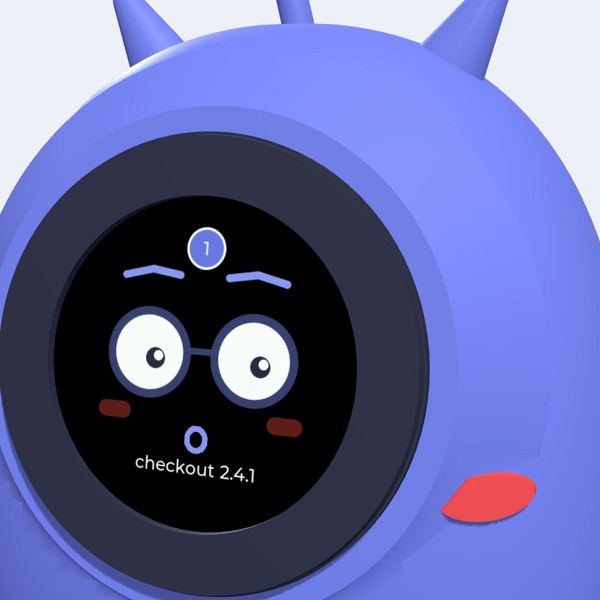
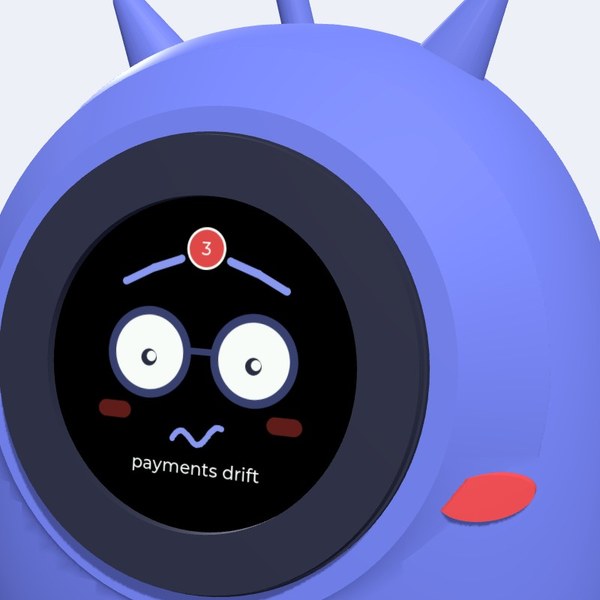
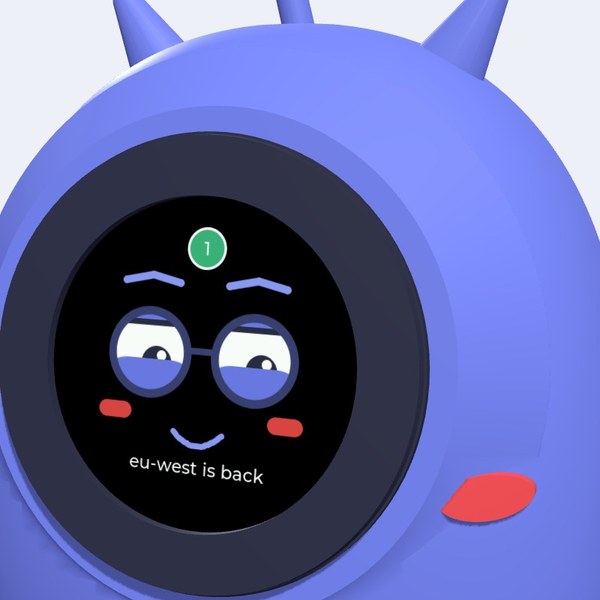
Try Goli in your browser: the real firmware face, your mouse is the finger.
Install the firmware
For the Waveshare ESP32-S3-Touch-AMOLED-1.75. Plug the board into this computer with a USB-C data cable, click Install and pick the serial port.
Firmware v0.7.1 · what's new
Steps
- Open this page in Chrome or Edge on a Mac, Windows or Linux computer.
- Connect the board by USB-C. Use a cable that carries data, not a charge-only one.
- Click Install, choose the port (USB JTAG/serial debug unit or similar) and confirm. It takes about a minute.
- When it's done, choose Connect to Wi-Fi and enter your network. Then open the link it shows to add your Goliash address and token. (No Wi-Fi step? Use the phone setup below.)
- On the first install, let it erase the board. When you update later, don't erase: Goli keeps his Wi-Fi and Goliash settings.
- No port shows up, or it fails to connect? Hold BOOT, press and release RESET, release BOOT and try again. Press RESET once more when it's done.
Or set him up from your phone
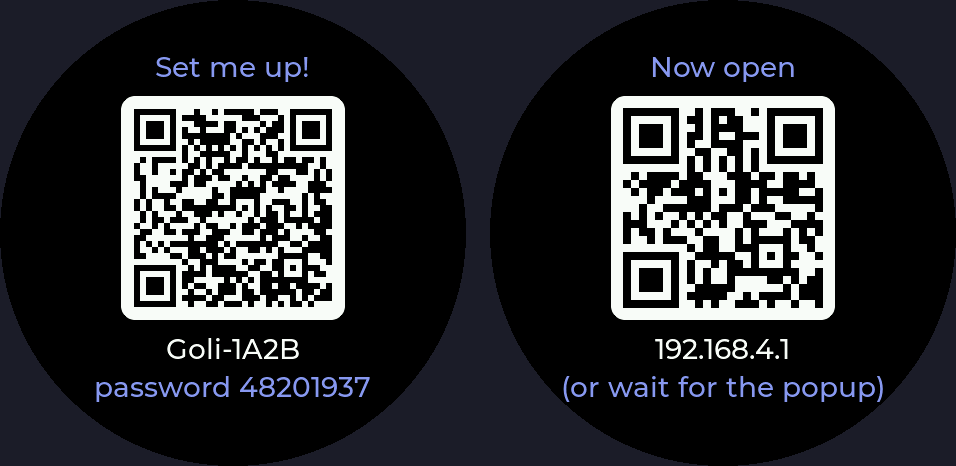
After installing, Goli opens a Wi-Fi hotspot and shows a QR code. Scan it with your phone camera and the setup page opens: pick your Wi-Fi, enter your Goliash address and a viewer token, then tap Save.
After that, everything else lives on his own web page at goli-xxxx.local: sounds, calendar, weather, GitHub, which alerts ring. You pair the browser with a code he shows on his face. Goliash is optional.
New versions install themselves over Wi-Fi once a day.
Check the assembly
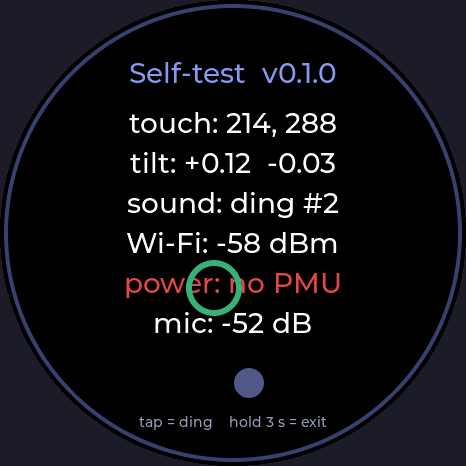
Keep a finger on his face while he starts (about a second) for the self-test: a ring under your finger, a bubble level, a ding on every tap, Wi-Fi signal and battery. Anything red didn't answer. Hold 3 s to leave.
What he does
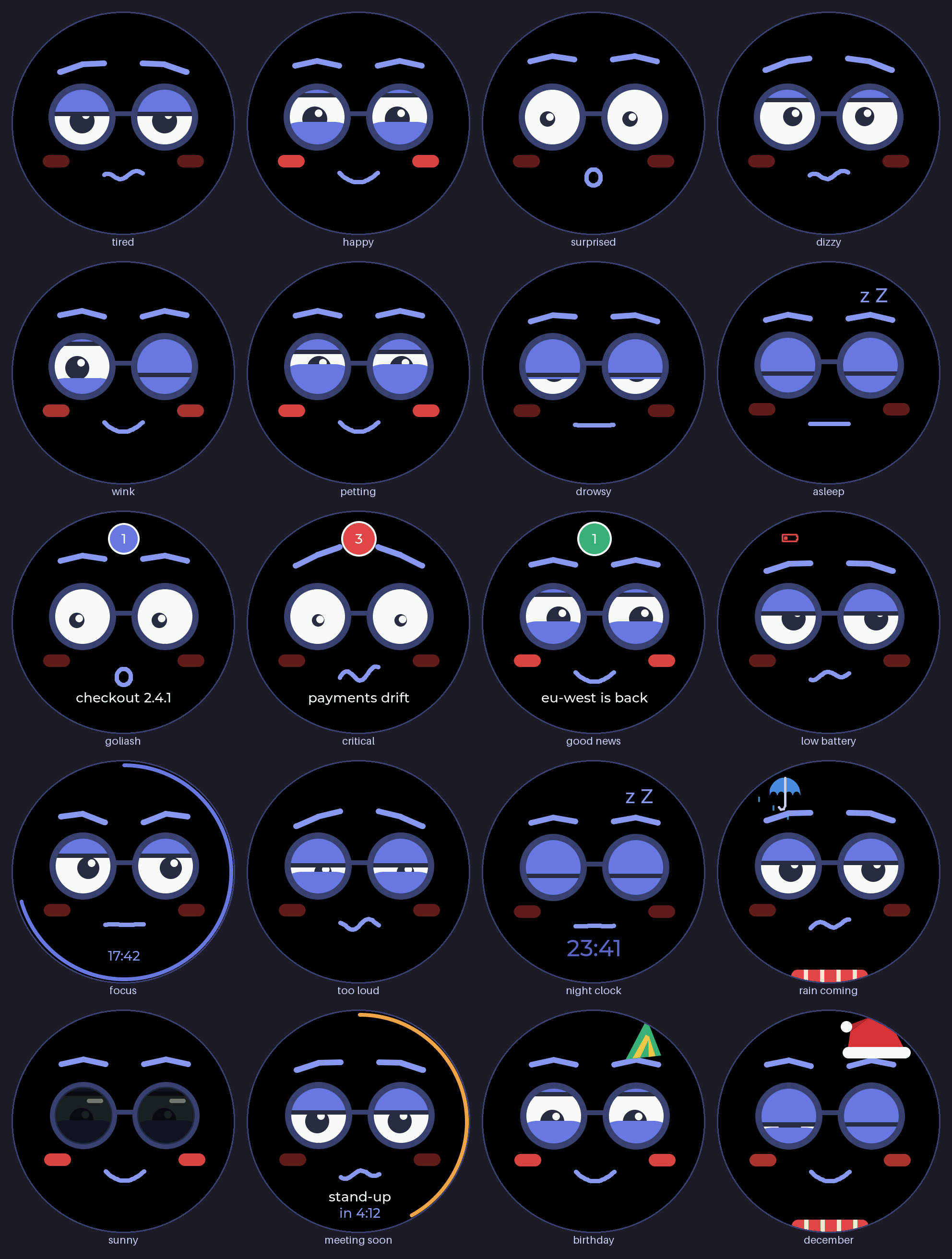
Swipe for more

Swipe across his face for Goliash at a glance, a big clock and how he is doing. Tap him 3 times for 25 minutes of focus, 10 times for a demo loop at your booth.
Ring him from anything
Goli listens on your network. Send him a title and a level from a script, CI or Home Assistant, with the key from his setup page:
curl -H "Authorization: Bearer <key>" -H "Content-Type: application/json" \
  -d '{"title":"nightly build failed","level":"critical"}' http://goli-xxxx.local/notify
Your own Goliash can also push alerts to him the instant they happen, with a signed webhook.
Build one
Every part prints on a Bambu Lab A1 mini. The STL files, parts list and assembly steps are in the GitHub repository. Turn him around in the 3D viewer.